

Hi, I'm Ash, fellow senior. After a successful career, I postponed retirement to start Empathy, a brand dedicated to helping seniors and solo agers thrive. Ten Minute AI is my way of doing just that — showing you how to use AI with confidence, one simple 10-minute guide at a time.

How to Talk to ChatGPT
I remember the first time I heard about ChatGPT—I thought it was just another gadget for the grandkids. But here's the honest truth: talking to ChatGPT is as easy as having a chat with a friend who never gets tired of your questions. You just type what you're thinking, and it answers like a helpful neighbor.
For us seniors, this isn't about fancy tech—it's about real help with everyday stuff. You can use it to write a birthday letter, simplify a confusing bill, or even get a recipe using what's in your fridge. No pressure, no jargon—just and a little patience.
New to ChatGPT? Start here — free.
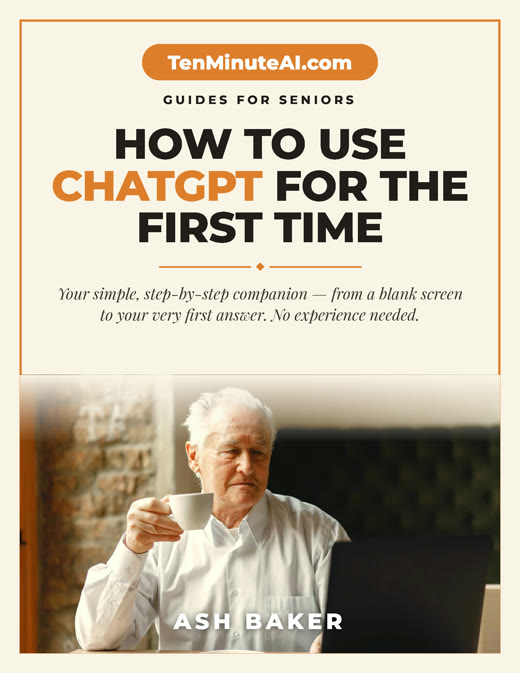
Get my large-print, step-by-step guide: How to Use ChatGPT for the First Time (PDF + short video). Yours free.
What Exactly Is ChatGPT?
Think of ChatGPT as a very smart friend who has read millions of books and articles, but talks like a real person. You ask a question or give a task, and it responds in a friendly, clear way. It doesn't have feelings, but it's designed to be helpful and polite. And the best part? It never judges you for asking the same thing twice—I've done that plenty!
For example, I recently used it to help me write a thank-you note to my granddaughter. I just said, 'Write a short thank-you for a scarf she knitted,' and it gave me a sweet message I could tweak. No spelling worries, no blank page.
How to Talk to It (Yes, It's That Simple)
Start by typing a greeting like 'Hello' or just dive into your question. Be as specific as you like. For instance, instead of 'Help with a letter,' try 'Write a letter to my doctor about my new medication.' You'll get a draft you can edit. Don't worry about perfect phrasing—ChatGPT understands casual talk. I once typed 'What's a good way to save on my electric bill?' and it gave me five easy tips, like using a programmable thermostat.
If the answer isn't quite right, just say 'Can you make it shorter?' or 'That's too formal.' It's like having a conversation where you're in charge. And always remember: you can delete or ignore anything you don't like. Nothing is permanent.
Getting Started Safely and Comfortably
To begin, ask a family member or friend to help you create a free account at chat.openai.com. You only need an email address. Once you're in, try a simple request like 'Explain how a QR code works' or 'Give me a 7-day meal plan for heart health.' Start with low-risk questions about hobbies, health, or household tasks—things you're curious about but not worried about messing up.
One thing that reassured me: ChatGPT doesn't share your conversations with others unless you report a problem. And you can clear your history anytime. So take it slow, experiment with silly questions if you want, and remember—you're just having a chat, not sending a rocket to the moon. I promise you'll get the hang of it faster than you think.
Ready to go further?