
Hi, I'm Ash, fellow senior. After a successful career, I postponed retirement to start Empathy, a brand dedicated to helping seniors and solo agers thrive. Ten Minute AI is my way of doing just that — showing you how to use AI with confidence, one simple 10-minute guide at a time.
Can AI Help Me Write A Birthday Message
I know what you're thinking—can a computer really write something as personal as a birthday message? The honest answer is: yes, it can help you get started, and you stay in control the whole time. It's like having a friend who suggests the first few sentences, then you add your own heart.
For me, AI takes away the blank-page panic. Need a quick note for your grandchild's 10th birthday? It can suggest a playful tone. Want to write a heartfelt card for your spouse's 70th? It can offer warm, respectful phrases. Even for a friend who just lost a loved one, it can help you find words that are kind without being pushy. And if you're worried about making a mistake, you can ask it to shorten or simplify anything.
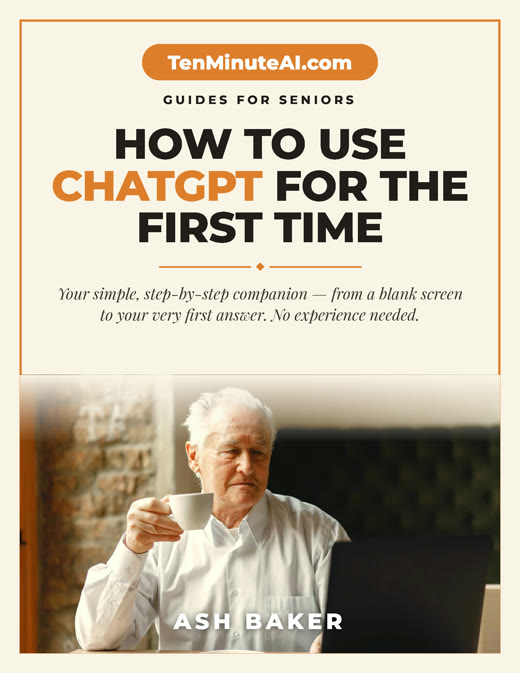
New to ChatGPT? Start here — free.
Get my large-print, step-by-step guide: How to Use ChatGPT for the First Time (PDF + short video). Yours free.
How AI Actually Helps You Write
Think of AI like a notepad that talks back. You tell it who the message is for and what you want to say—like 'a funny birthday wish for my brother who loves fishing'—and it writes a few options. You pick the one you like, change any words, and it's yours. For example, I used it last week to write a birthday card for my neighbor. I said 'she likes gardening and cats,' and it gave me a sweet line about 'planting joy like seeds.' I just added her name.
If you're not sure about the tone, you can ask for something more formal or more casual. It's like having a writing buddy who never gets tired of helping you tweak things. No pressure, no judgment.
Getting Started Safely and Confidently
You don't need to be a tech expert. I use a free website called ChatGPT. You just type your request, like 'Write a short birthday message for my granddaughter who just turned 16.' It will respond in seconds. If you don't like it, you can say 'make it shorter' or 'add a joke.' Always read what it writes before sending—you're the editor, not the robot.
One tip: never share private information like full names, addresses, or bank details. Keep it general, like 'my friend from church' or 'my grandson.' That way you stay safe while still getting great help. If anything feels off, just close the window. You're in charge.
Real Examples You Can Relate To
Here's a quick example: I asked AI to write a birthday message for my 85-year-old friend who uses a walker. It wrote: 'Happy birthday to someone who still dances through life, even with a little help from a walker. Your spirit is an inspiration.' I smiled, changed 'dances' to 'smiles' because she's not a dancer, and it was perfect.
Another time, I needed a message for my nephew who just started college. I said 'make it encouraging but not cheesy,' and AI gave me: 'Happy birthday! Remember, every expert was once a beginner. Proud of you.' I added a line about his favorite pizza place near campus. It took me two minutes instead of twenty. That's what I mean by less effort, more heart.
Ready to go further?